
How to Keep Your Laptop Running Like New
Laptops have become essential tools for everyday activities, including professional responsibilities, education, communication, and entertainment. Whether someone uses a computer for managing business operations, attending virtual meetings, completing assignments, or browsing the internet, dependable performance makes a significant difference. However, regular use can gradually affect a laptop's speed, battery life, storage capacity, and overall functionality. Dust accumulation, outdated software, insufficient storage, and improper handling can also contribute to performance problems over time. Fortunately, several practical maintenance habits can help users keep their devices operating efficiently and reduce the likelihood of unexpected problems. Knowing when professional laptop repair is necessary can also prevent minor technical concerns from developing into more complicated issues. With consistent care and attention, laptop owners can protect their investments and enjoy a more reliable computing experience for years.
Maintaining Cleanliness to Prevent Overheating
Keeping a laptop clean is one of the simplest ways to support its long-term performance. Dust, dirt, and other particles can accumulate around the keyboard, ventilation openings, and internal components during regular use. When dust blocks the cooling system, the device may struggle to release heat effectively. Excessive temperatures can cause the processor to slow down, reduce performance, and potentially affect internal hardware. Users should periodically clean the exterior with appropriate electronics-safe materials and use compressed air carefully around ventilation openings. It is also important to avoid eating or drinking directly over a laptop because accidental spills can damage sensitive components. If the device becomes unusually hot or its cooling fan runs constantly, professional laptop repair may be necessary to investigate the underlying problem. Maintaining a clean environment can help reduce unnecessary strain on the computer and support more consistent operation.
Updating Software to Improve Performance
Software updates play an important role in maintaining laptop security, compatibility, and functionality. Operating system developers regularly release updates that address technical issues, improve existing features, and resolve security vulnerabilities. Applications also receive updates that can improve stability and help them work correctly with newer operating systems. Ignoring these updates may leave a computer exposed to security risks or prevent certain programs from functioning as intended. Users should enable automatic updates when appropriate and periodically check whether installed applications have newer versions available. However, it is also helpful to review system requirements before installing major software upgrades, particularly on older devices. When updates repeatedly fail or create unexpected performance issues, laptop repair professionals can help identify compatibility problems and restore normal functionality. Keeping software current is a straightforward way to maintain a dependable computing environment.
Managing Storage to Maintain Operating Speed
Available storage space can influence how efficiently a laptop performs everyday tasks. When a computer's drive becomes nearly full, users may experience slower operations, difficulty installing updates, and problems saving new files. Temporary files, duplicate downloads, unused applications, and large media collections can gradually consume available storage. Reviewing these items regularly helps users identify files and programs that are no longer necessary. Important documents, photographs, and other personal information can also be transferred to an external storage device or a reputable cloud service. Before deleting anything, users should confirm that important information has been backed up properly. If storage problems continue despite these efforts, laptop repair specialists can evaluate whether a storage upgrade or replacement would improve performance. Keeping adequate free space available helps the operating system and applications operate more efficiently.
Protecting Battery Health Through Proper Charging
A laptop's battery is another component that requires attention as the device ages. Battery capacity naturally decreases over time, particularly after repeated charging and discharging cycles. Users can support battery longevity by avoiding unnecessary exposure to extreme temperatures and following the manufacturer's charging recommendations. Keeping a laptop in a hot vehicle or using it on soft surfaces that block ventilation can expose the battery and other components to excessive heat. Many modern laptops also include battery management settings that help limit charging levels when the device remains connected to power for extended periods. Users should monitor changes in battery performance, including unusually rapid power loss or unexpected shutdowns. Swelling, unusual odors, or excessive heat around the battery require immediate attention, and the device should no longer be used until it has been evaluated safely. Professional laptop repair can help determine whether a worn battery needs replacement or another component is contributing to power-related problems.
Practicing Safe Browsing and Cybersecurity Habits
Protecting a laptop from digital threats is just as important as maintaining its physical components. Malicious software, phishing attempts, and unsafe downloads can compromise personal information and interfere with normal computer operations. Users should install reputable security software and keep its protection features updated. They should also avoid opening unexpected email attachments or downloading programs from unfamiliar websites. Strong passwords and multifactor authentication provide additional protection for accounts containing personal, financial, or professional information. Connecting to public Wi-Fi networks also requires caution, particularly when accessing sensitive accounts or transmitting confidential information. If a laptop begins displaying unusual pop-ups, running unfamiliar programs, or behaving unexpectedly, a professional evaluation may help identify potential security or software problems. Practicing responsible online habits can reduce avoidable risks and help keep important information protected.
Handling Hardware Carefully to Prevent Damage
Physical handling has a direct impact on how long a laptop remains functional. Although portable computers are designed for mobility, their internal components can still be damaged by drops, impacts, pressure, and liquid exposure. Carrying a laptop in a padded protective case can reduce the risk of damage when traveling between locations. Users should also avoid placing heavy objects on top of closed laptops because pressure can damage screens, hinges, and other delicate components. Opening and closing the display gently helps prevent unnecessary strain on the hinges and connecting cables. It is equally important to use the laptop on a stable, flat surface that allows proper ventilation. If the screen develops flickering, visible lines, or unusual discoloration, professional laptop repair may be needed to identify damaged display components. Careful handling can help prevent physical problems that may otherwise require expensive repairs or hardware replacement.
Backing Up Important Files to Prevent Data Loss
Regular backups are essential for protecting information stored on a laptop. Hardware failures, accidental deletions, malware infections, and unexpected software problems can make important files inaccessible. Maintaining a separate copy of valuable documents, photographs, and work-related information provides an additional layer of protection. Users can choose between external hard drives, USB storage devices, and cloud-based backup services depending on their needs. Automatic backup settings can make the process easier by saving updated files without requiring constant manual attention. It is also beneficial to check backup records periodically to confirm that the latest information has been saved successfully. If a computer becomes unresponsive or a storage drive begins making unusual noises, professional laptop repair services may help assess the situation and determine whether data recovery is possible. Developing a consistent backup routine can provide greater peace of mind when unexpected technical problems occur.
Recognizing When Professional Technical Support Is Needed
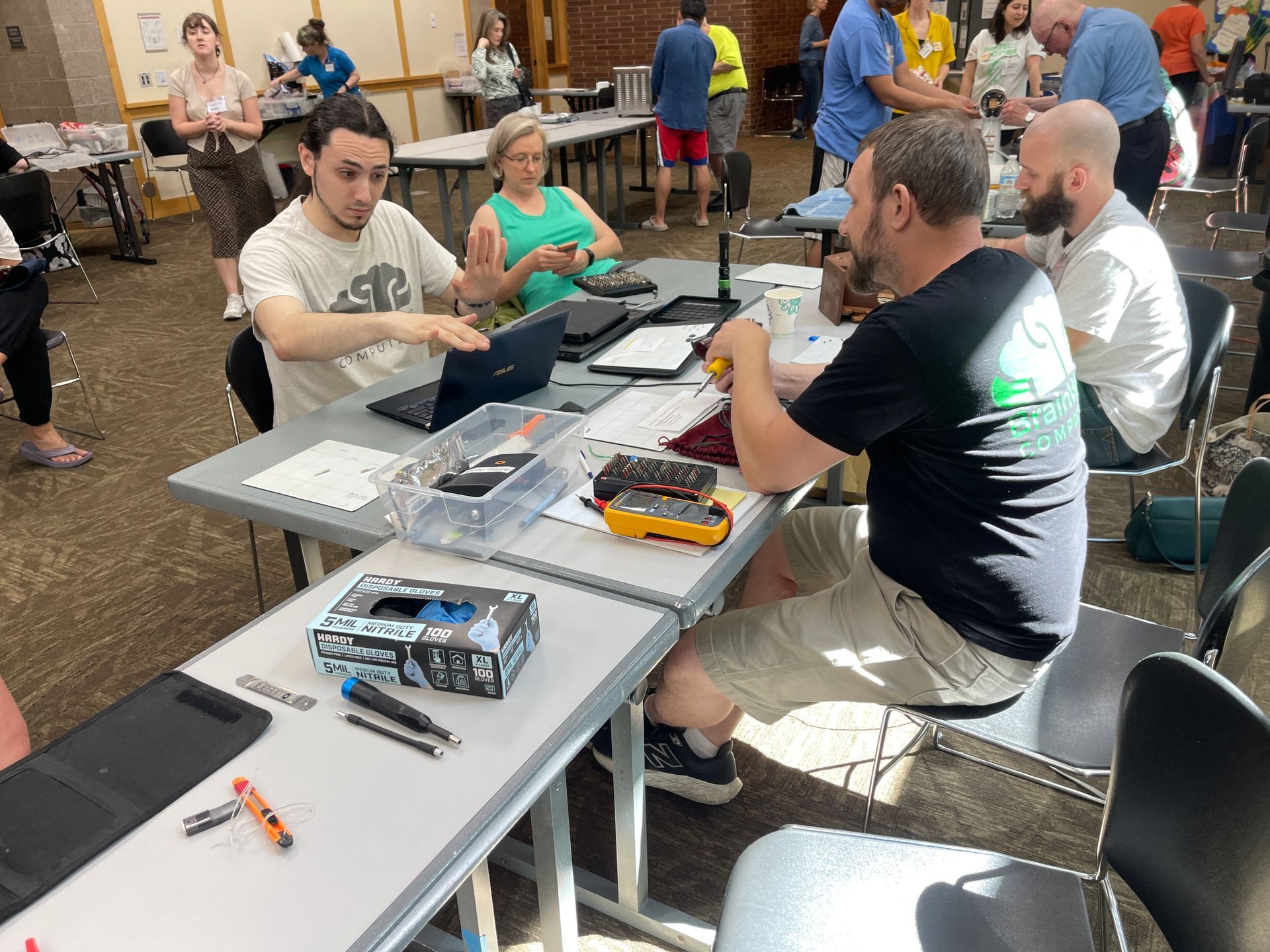
Even with consistent maintenance, laptops can eventually develop problems that require professional attention. Slow startup times, repeated crashes, unusual noises, charging difficulties, and unexpected shutdowns may indicate underlying hardware or software issues. According to Pew Internet, nearly 75% of Americans own a laptop or home computer, demonstrating how widely these devices are used in everyday life. Because computers support so many personal and professional activities, keeping them functional is an important consideration for many households and businesses. Attempting complicated repairs without the appropriate knowledge or equipment can sometimes create additional problems. Professional technicians can evaluate system performance, identify failing components, and recommend suitable solutions based on the device's condition. Seeking assistance early may also prevent certain problems from becoming more expensive or disruptive. BrainWave Computers can help users address technical concerns and maintain reliable computer performance through appropriate repair and support services.
For dependable computer support, BrainWave Computers can help you address laptop problems and keep your technology working efficiently. Whether your device needs troubleshooting, performance improvements, or professional attention for a specific issue, taking action early can help protect your investment. Contact us to discuss your computer needs and explore solutions that keep your laptop performing at its best.




Share On: