
Essential Features in Custom-Built Computers
Choosing a computer involves more than comparing brands or selecting the newest model. Different users have different performance needs, software requirements, and budgets, so a standard configuration may not provide the right combination of features. Custom-built computers offer greater flexibility by allowing hardware selections to reflect how the system will actually be used. Whether someone needs a dependable home computer, a gaming setup, or a workstation for demanding creative projects, understanding the essential components can help guide the decision. For residents in Beaverton, Oregon, considering a personalized system is an opportunity to invest in technology that supports their everyday activities and future goals.
Selecting the Right Processor
The central processing unit, commonly called the CPU, plays a major role in overall computer performance. It handles instructions, coordinates tasks, and affects how efficiently a system runs applications. The right processor depends on the programs a person uses and how many tasks they typically perform at once.
For everyday activities such as browsing the internet, managing documents, and streaming videos, a midrange processor may provide sufficient performance. Gaming, software development, video editing, and other demanding applications may benefit from a processor with more cores and higher processing capabilities. Some programs rely heavily on single-core performance, while others can distribute workloads across multiple cores.
Selecting a processor should also involve considering compatibility with the motherboard and other components. A balanced configuration helps prevent one part of the system from unnecessarily limiting another. Professional guidance can help match processing capabilities to the intended workload rather than paying for performance that may not be needed.
Choosing a Graphics Card for Visual Performance
The graphics processing unit, or GPU, is especially important for gaming, 3D rendering, video production, and other visually intensive tasks. It processes images, animations, and visual effects so they can be displayed on a monitor. The capabilities of the graphics card can influence image quality, frame rates, rendering times, and support for higher display resolutions.
Gamers should consider the types of games they play and the resolution and refresh rate of their monitors. More demanding games may require stronger graphics hardware to maintain smooth performance. Creative professionals may have different priorities, such as rendering speed, video processing, or compatibility with specialized software.
Not every user needs a high-end graphics card. For office work, browsing, and general household use, integrated graphics may be sufficient depending on the processor and software requirements. When planning custom-built computers, matching the GPU to the intended applications helps create a practical system without unnecessary expense.
Evaluating Memory Capacity and Speed
Random access memory, or RAM, provides temporary workspace for the operating system and active applications. When a computer has enough memory for its workload, it can switch between tasks more smoothly and keep frequently used information readily accessible.
Basic home and office activities generally require less memory than gaming, video editing, or professional design applications. Users who frequently keep many browser tabs open while running several programs may also benefit from additional capacity. Insufficient memory can contribute to slowdowns when a system must rely more heavily on storage to manage active tasks.
Capacity is not the only consideration. Memory speed, motherboard compatibility, and the number of available slots can affect configuration choices. Planning for future expansion may also be useful for people whose software needs are likely to grow. A properly selected memory setup supports responsiveness while leaving room for changing workloads.
Comparing Storage Types and Capacity
Storage determines how much information a computer can retain and how quickly files and applications can be accessed. Solid-state drives, or SSDs, are widely used because they generally provide faster read and write speeds than traditional hard disk drives. This can reduce startup times, shorten application loading, and improve the overall responsiveness of a system.
Storage capacity should reflect the user's needs. Someone who mainly works with documents and web applications may not need as much space as a photographer, video editor, or gamer with a large collection of files. Larger projects, high-resolution media, and modern games can occupy substantial storage.
Some systems use multiple drives to balance speed and capacity. An SSD can hold the operating system and frequently used applications, while an additional drive provides space for larger files. When considering custom-built computers, it is also important to think about backup needs. A computer's internal storage should not be treated as the only copy of important personal or business information.
Prioritizing Cooling and Airflow
A computer's cooling system helps manage the heat generated by its processor, graphics card, and other components. When temperatures become too high, hardware may reduce its performance to protect itself. Consistent cooling helps maintain stable operation and supports the expected performance of the system.
Cooling requirements vary depending on the components and the computer's workload. A system designed for demanding gaming or creative applications may generate more heat than a basic home computer. Case fans, heatsinks, and liquid cooling systems are among the options used to manage temperatures, depending on the configuration.
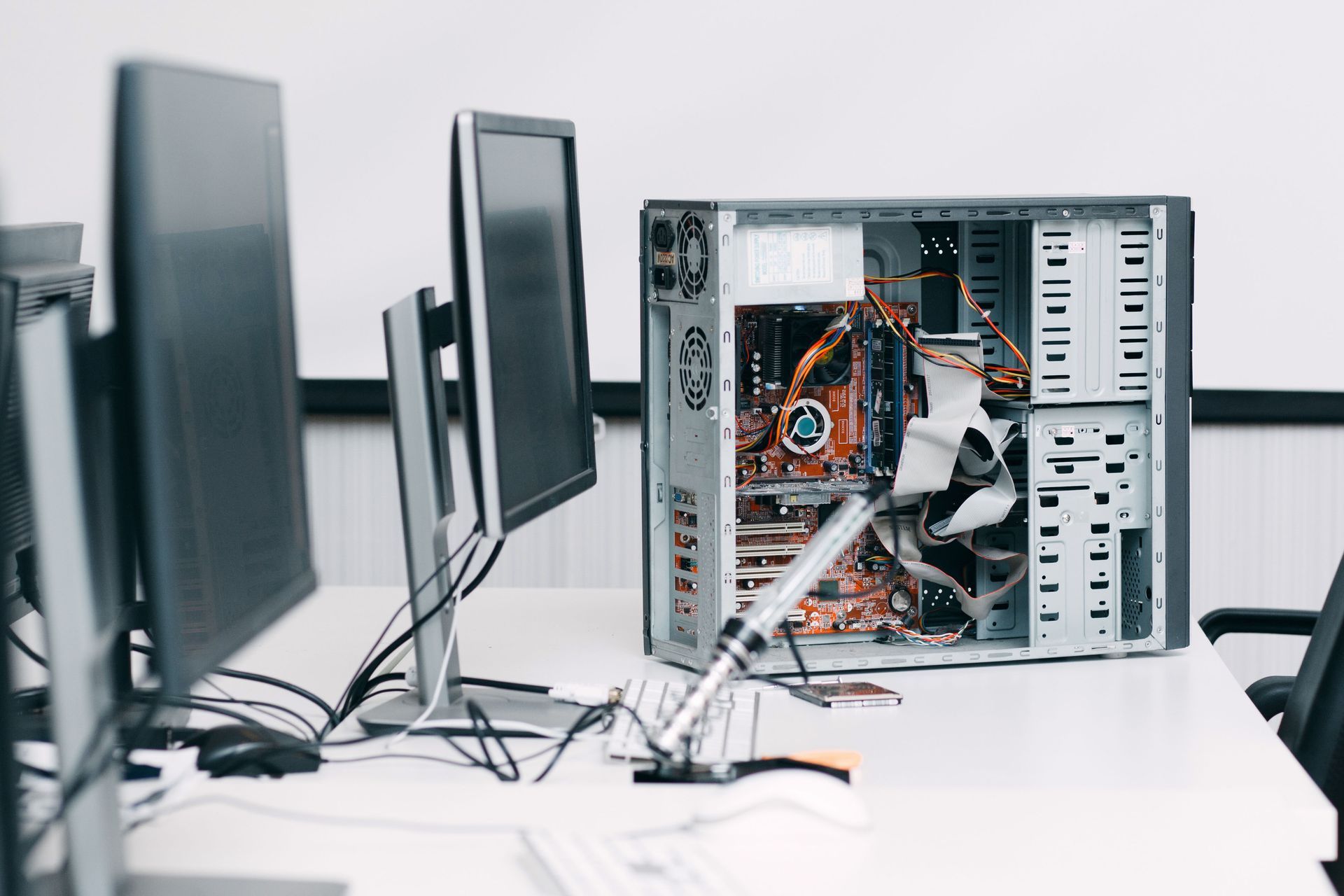
The computer case also affects airflow. Its layout, fan placement, and available space influence how air moves through the system. Dust accumulation can affect cooling over time, making maintenance an important part of long-term computer care. A well-planned setup considers both the cooling components and the case design rather than treating them as separate decisions.
Matching the Power Supply and Motherboard
The power supply unit provides electricity to the computer's components. Its capacity must be appropriate for the processor, graphics card, storage devices, and other installed hardware. A suitable power supply supports stable operation and provides the necessary connections for the selected components.
Choosing a power supply involves more than selecting a wattage rating. Quality, efficiency, connector availability, and room for potential upgrades also matter. An undersized or unsuitable unit can limit component choices and affect system reliability. Professional component selection helps ensure that the power supply is appropriate for the overall configuration.
The motherboard connects the major hardware components and determines important compatibility and expansion options. Its processor socket, memory support, storage connections, expansion slots, and ports should align with the system's intended use. A motherboard with room for additional memory or storage can make future upgrades more convenient.
These decisions are closely related. The motherboard must support the selected processor and memory, while the power supply must accommodate the system's overall electrical requirements. A balanced configuration helps custom-built computers function as an integrated system rather than a collection of individually selected parts.
Considering the Case, Ports, and Upgrade Options
The computer case affects appearance, component fit, airflow, and accessibility. Sizes and designs vary, so the case should provide enough room for the motherboard, graphics card, cooling system, and storage devices. A compact design may suit a limited workspace, while a larger case can provide more room for expansion and cooling.
Connectivity is another important feature. USB ports, audio connections, networking capabilities, and display outputs influence how easily users can connect monitors, external drives, printers, headsets, and other accessories. People who rely on several peripherals should consider their connection requirements before selecting a configuration.
Upgrade flexibility can also contribute to long-term value. Technology needs change as software becomes more demanding and users take on new projects. A system with compatible expansion options may allow additional memory, storage, or graphics hardware to be installed later. Planning these possibilities at the beginning can help prevent avoidable limitations.
The right custom-built computers configuration depends on individual needs, whether for gaming, creative work, or everyday tasks. According to NCN News Network, global shipments of gaming PCs were projected to reach 52.3 million units in 2025. Choosing compatible components helps balance current performance, future needs, and budget.
BrainWave Computers serves Beaverton and surrounding communities with personalized PC builds, computer sales, and technical support. Its custom systems are built around customer needs and include a two-year guarantee. The team can help evaluate component options for gaming, creative work, and everyday computing. Contact BrainWave Computers today to discuss your requirements and explore a computer configuration designed for the way you work and play.






Share On: