The Top Common Computer Repairs
Computers have become essential for work, education, entertainment, and everyday communication. Whether you're managing business operations, completing assignments, or enjoying your favorite games, a reliable computer makes daily activities easier. However, even well-maintained systems can develop problems that affect performance, security, and functionality.
At BrainWave Computers, we understand how frustrating technical difficulties can be. From sluggish performance to unexpected shutdowns, computer problems can interrupt important tasks and create unnecessary stress. Professional computer repairs help identify underlying issues, restore functionality, and extend the useful life of your equipment.
According to FOCUS ON Business, gaming notebooks were projected to reach 33.7 million units shipped in 2025, a 40% increase over five years. This growing demand for portable computing highlights the importance of dependable maintenance and technical support.
Understanding common computer problems and their professional solutions can help you recognize when your system needs attention.
Identifying Common Computer Problems
Recognizing early warning signs is essential for preventing minor technical issues from becoming expensive complications. Computers often display noticeable symptoms before experiencing significant failures.
Recognizing Performance Problems
Slow startup times, delayed application responses, and frequent freezing can indicate underlying software or hardware problems. These symptoms may result from insufficient memory, outdated components, excessive background processes, or storage limitations.
At BrainWave Computers, we recommend professional evaluations when performance problems become persistent. Our approach to computer repairs focuses on identifying the actual cause rather than temporarily addressing symptoms.
A thorough assessment helps determine whether software optimization, hardware replacement, or another solution will restore reliable performance.
Recognizing Hardware Problems
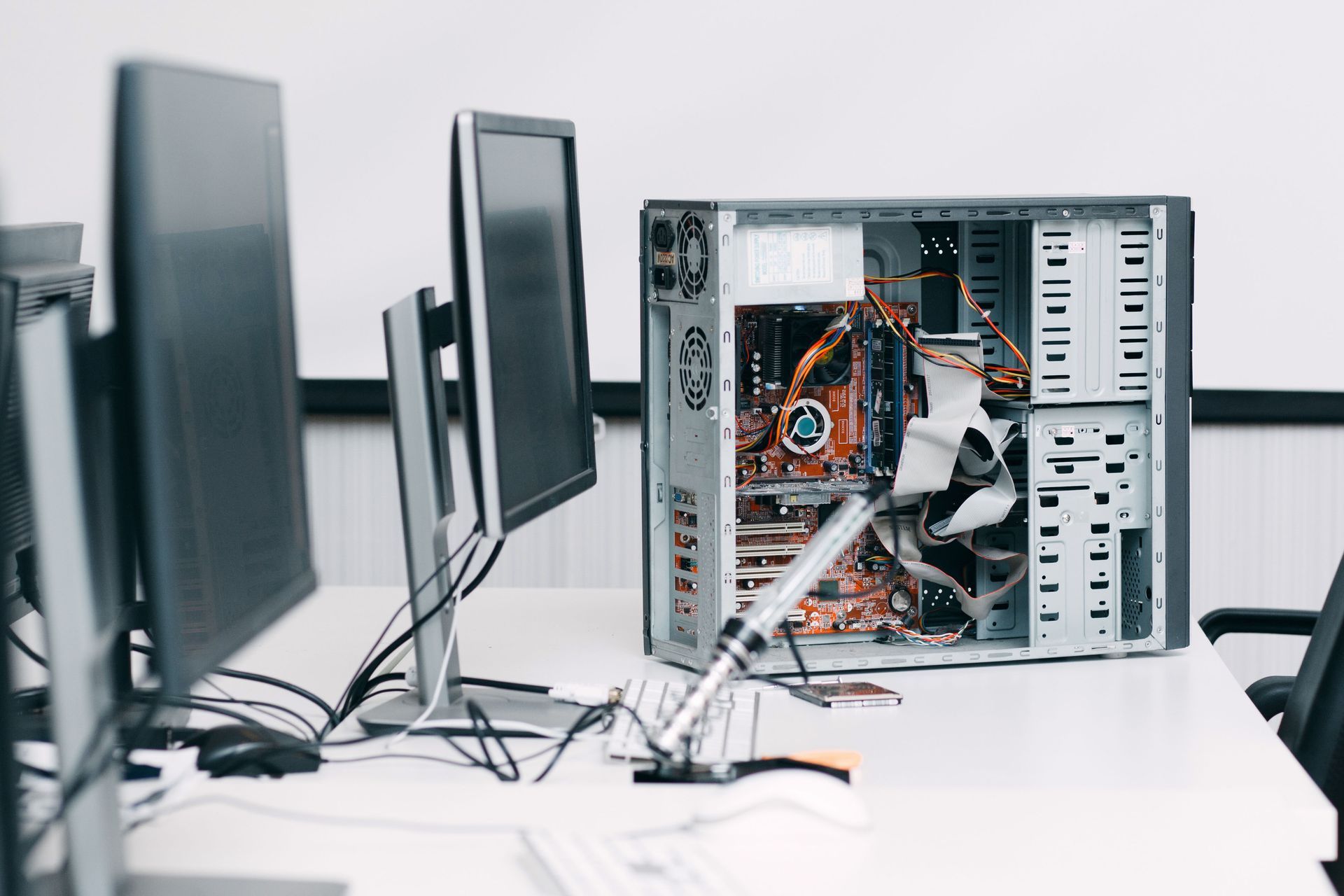
Hardware problems frequently produce physical warning signs, including unusual noises, excessive heat, damaged screens, and unexpected shutdowns.
A malfunctioning cooling fan, for example, may cause internal temperatures to rise, potentially affecting processors and other sensitive components. Similarly, storage drive failures can threaten valuable personal or business files.
Professional technicians can evaluate individual components and determine whether repairs or replacements offer the most practical solution.
Recognizing Software Problems
Software-related problems can include repeated error messages, failed updates, application crashes, and operating system instability.
These issues sometimes resemble hardware failures, making accurate diagnosis especially important. Attempting unnecessary component replacements without identifying the source can increase expenses without resolving the problem.
Our professional computer repairs help distinguish software complications from physical equipment failures, allowing us to recommend appropriate solutions.
Addressing Common Software Problems
Software complications can significantly affect productivity and system security. Professional support helps restore normal operation while protecting important information.
Improving Slow System Performance
A computer that gradually becomes slower may be struggling with outdated applications, excessive startup programs, or limited system resources.
Professional performance evaluations identify unnecessary processes and determine whether existing hardware can support current software requirements.
Our technicians can recommend practical improvements based on how customers use their computers. Whether your system supports everyday office applications or demanding gaming software, performance optimization can make routine activities more efficient.
Removing Malware and Security Threats
Malicious software can compromise sensitive information, interrupt normal operations, and reduce computer performance.
Warning signs may include unfamiliar applications, unexpected advertisements, suspicious browser behavior, and unexplained system activity.
Professional malware removal involves identifying threats, addressing affected files, and evaluating potential security weaknesses. Because some infections are difficult to detect, specialized diagnostic procedures may be necessary.
At BrainWave Computers, we recognize the importance of protecting personal information and maintaining dependable systems. Our computer repairs prioritize restoring functionality while addressing security concerns that could cause additional problems.
Resolving Operating System Errors
Operating system errors can prevent computers from starting properly, accessing applications, or completing essential updates.
These problems may originate from corrupted system files, incompatible drivers, interrupted installations, or conflicting software.
Professional technicians can evaluate error messages, investigate recent system changes, and recommend appropriate corrective measures.
When more extensive restoration is necessary, protecting important data becomes a central consideration. A careful approach helps minimize disruption while restoring dependable system operation.
Addressing Common Hardware Problems
Physical components experience wear through regular use. Identifying failing hardware early can help prevent additional damage and unexpected downtime.
Resolving Overheating Issues
Excessive heat can affect processing speeds, trigger unexpected shutdowns, and shorten component lifespans.
Common causes include obstructed ventilation, malfunctioning cooling fans, deteriorating thermal materials, and demanding workloads.
Gaming computers may be especially vulnerable because graphics-intensive applications generate substantial heat.
Professional computer repairs can include cooling system inspections, internal cleaning, and replacement of defective components when necessary.
Proper thermal management helps protect sensitive equipment and supports consistent performance during demanding activities.
Replacing Faulty Storage Drives
Storage drives hold operating systems, applications, documents, photographs, and other important files.
A failing drive may cause slow file access, unusual noises, corrupted information, or startup failures. Because storage problems can worsen unexpectedly, prompt professional attention is important.
Our technicians can evaluate drive health and discuss replacement options, including solid-state drives that may offer improved responsiveness.
When data recovery or migration is appropriate, careful handling helps reduce the risk of additional information loss.
Repairing Damaged Computer Components
Broken screens, malfunctioning keyboards, defective charging ports, and power supply problems can make computers difficult or impossible to use.
These issues require accurate component identification and compatibility assessments before replacement.
Professional computer repairs provide an opportunity to restore damaged equipment without automatically replacing the entire system.
At BrainWave Computers, we believe customers benefit from understanding their available options. Evaluating repair costs, equipment age, and expected performance helps determine whether restoration is worthwhile.
Maintaining Reliable Computer Performance
Preventive maintenance can reduce unexpected interruptions and help computers remain dependable throughout their useful lives.
Scheduling Professional Maintenance
Routine maintenance allows technicians to identify developing problems before they cause significant disruptions.
Professional inspections may include evaluating hardware condition, checking system temperatures, reviewing software performance, and assessing storage health.
For businesses that depend on computers throughout the workday, preventive services can be particularly valuable. Unexpected equipment failures may interrupt customer communication, employee productivity, and essential operations.
Scheduling maintenance according to system usage and equipment condition helps support long-term reliability.
Managing Software Updates
Software updates frequently include security improvements, compatibility adjustments, and corrections for known problems.
However, unsuccessful installations or incompatible drivers can occasionally create additional complications.
Professional support helps determine whether updates are appropriate for a particular system and addresses errors when installations fail.
Our computer repairs can also help resolve performance problems associated with outdated software or operating system conflicts.
Maintaining compatible applications and supported operating systems contributes to a more dependable computing experience.
Protecting Important Information
Data protection is an essential part of responsible computer ownership. Hardware failures, malware infections, and accidental damage can threaten valuable information.
A dependable backup strategy helps reduce the consequences of unexpected equipment problems.
Professional technicians can explain available backup solutions and help customers select options suited to their storage requirements.
For business owners, protecting financial records, customer information, and operational documents is especially important. Reliable data management supports continuity when technical difficulties occur.
Choosing Professional Computer Support
Finding dependable technical assistance involves more than addressing an immediate malfunction. Quality service should also consider long-term performance, equipment condition, and customer needs.
Evaluating Repair Options
Not every malfunction requires purchasing a replacement computer. Many software problems and individual hardware failures can be addressed through targeted professional services.
A thorough diagnostic evaluation helps clarify the issue, identify available solutions, and establish realistic expectations.
At BrainWave Computers, we understand that customers want practical recommendations that consider both performance and cost.
Our approach to computer repairs emphasizes informed decisions and solutions that address the underlying problem.
Supporting Long-Term Reliability
Reliable computers contribute to smoother daily routines, greater productivity, and fewer interruptions.
Whether you're experiencing software errors, hardware malfunctions, overheating, or declining performance, timely professional attention can help prevent additional complications.
At BrainWave Computers, we're committed to helping customers understand their technology and maintain dependable equipment. Our computer repairs focus on diagnosing problems, recommending appropriate solutions, and restoring the functionality customers rely on.
If your computer is showing signs of trouble, contact BrainWave Computers to discuss professional service options and take the next step toward reliable performance.





Share On: